
Live Streaming Tips: How to Go Live on YouTube, TikTok, and Instagram Like a Pro

Vugola Team
AI Video Clipping Platform · @@vaboratory
Why Live Streaming Matters in 2026
Live streaming is the highest-engagement format on every major platform. Live viewers comment 10x more than VOD viewers. Live content gets priority distribution on TikTok, YouTube, and Instagram. And live streaming creates a depth of audience connection that pre-recorded content cannot match.
The numbers: creators who stream regularly report 30-50% higher engagement rates on their non-live content because live interaction deepens the audience relationship. Followers who have interacted with you live are more likely to watch your videos, buy your products, and recommend you to others.
Live streaming is also the format most creators avoid because it feels risky. No editing. No retakes. Real-time judgment. But that vulnerability is exactly what makes it powerful. Audiences value authenticity, and nothing is more authentic than live.
Platform-Specific Live Streaming
YouTube Live
Requirements: Must have a verified channel. No minimum subscriber count for mobile streaming.
Strengths: Longest format (no time limit), best discoverability through search and recommendations, SuperChat and Super Sticker monetization, DVR feature lets viewers rewind during stream.
Best practices:
- Schedule streams in advance (creates a countdown and sends notifications)
- Use a dedicated streaming setup (OBS or Streamlabs for multi-scene, multi-camera streams)
- Engage with SuperChat donors by name
- Save streams as VODs (they become searchable YouTube videos)
Optimal length: 1-4 hours. YouTube Live rewards longer sessions because accumulated watch time drives the algorithm.
TikTok Live
Requirements: 1,000+ followers, 16+ years old.
Strengths: Massive organic discovery (TikTok promotes live creators in the feed), Gift monetization (viewers send virtual gifts that convert to real money), casual format.
Best practices:
- Go live during peak hours (7-10 PM in your primary audience's timezone)
- Use a compelling live title with keywords
- Respond to every comment by name
- Pin top comments to keep conversation focused
- Use TikTok's live effects and filters for visual interest
Optimal length: 30-90 minutes. TikTok's algorithm favors creators who go live regularly for moderate durations over those who stream for 6+ hours sporadically.
Instagram Live
Requirements: Any account can go live.
Strengths: Notification push to all followers, Collab Live (invite another account to join), Badges monetization, strong for intimate Q&A sessions.
Best practices:
- Use Instagram Live Rooms (up to 4 people) for panel discussions
- Share your live to Stories after it ends (extends reach)
- Pin comments and use question stickers before going live to collect topics
- Keep a more intimate, conversational tone (Instagram Live audiences expect a personal feel)
Optimal length: 20-60 minutes. Instagram Live works best for focused sessions, not marathon streams.
Twitch
Requirements: No minimum followers to start streaming.
Strengths: Most mature live streaming ecosystem, robust monetization (subscriptions, bits, ads), strong community features (raids, hosts), best for gaming and long-form creative content.
Best practices:
- Stream on a consistent schedule (Twitch audiences are habitual)
- Use channel points and predictions to drive engagement
- Raid other streamers at the end of your stream (networking + community building)
- Set up alerts for new followers and subscribers
Optimal length: 2-6 hours. Twitch rewards consistency and session length.
Essential Equipment
Minimum Setup (Phone Streaming)
- Smartphone with front-facing camera
- Ring light or desk lamp for face lighting
- Phone mount or tripod
- Earbuds or basic microphone
- Stable internet connection (5+ Mbps upload)
Total cost: $30-100 (assuming you have a phone)
Intermediate Setup
- Webcam (Logitech C920 or equivalent, $60-80)
- USB microphone (Blue Yeti, Elgato Wave, $80-130)
- Ring light or key light ($30-80)
- Second monitor (for reading chat while streaming)
- OBS Studio (free streaming software)
Total cost: $200-400
Professional Setup
- Mirrorless camera with capture card ($500-1500)
- XLR microphone with audio interface ($200-400)
- 3-point lighting ($150-300)
- Stream deck for scene switching ($100-150)
- Green screen (optional, $30-50)
- Dedicated streaming PC or high-spec laptop
Total cost: $1,000-2,500
Start with the minimum. Upgrade when streaming becomes a consistent part of your content strategy.
Engagement Techniques
The First 5 Minutes
The first 5 minutes determine whether viewers stay. Most live viewers arrive, assess the energy, and either stay or leave within 60 seconds.
What to do in the first 5 minutes:
- Welcome viewers by name as they join
- State the topic and what viewers will get from staying
- Ask an easy question to get comments flowing ("Where are you watching from?")
- Bring high energy (your live energy should be 20% higher than your recorded content energy)
Maintaining Engagement Through the Stream
Read and respond to comments constantly. This is the #1 engagement driver. When a viewer sees their name said aloud, they feel valued and stay longer.
Ask questions regularly. Every 5-10 minutes, pose a question to the audience. "What do you think about X?" "Have you tried Y?" "Who here has experienced Z?" This keeps the conversation flowing.
Use polls and predictions. Most platforms offer in-stream polls. These create participation and give you instant audience feedback.
Create segments. Structure your stream with distinct sections: opening chat, main topic, Q&A, games/interactive segment, closing. This gives the stream a rhythm and gives viewers specific things to look forward to.
Acknowledge lurkers. Some viewers watch without chatting. That's fine. Occasionally acknowledge them: "If you're just watching and chilling, that's cool too. Drop a wave emoji if you're here."
Handling Low Viewer Counts
Every creator faces streams with low viewer counts. How you handle it determines whether those viewers come back.
Never comment on low numbers. "Only 5 people watching" makes those 5 people feel like they don't matter.
Treat 5 viewers like 500. Deliver the same energy and content quality regardless of viewer count. The viewers who show up to small streams are your most loyal supporters.
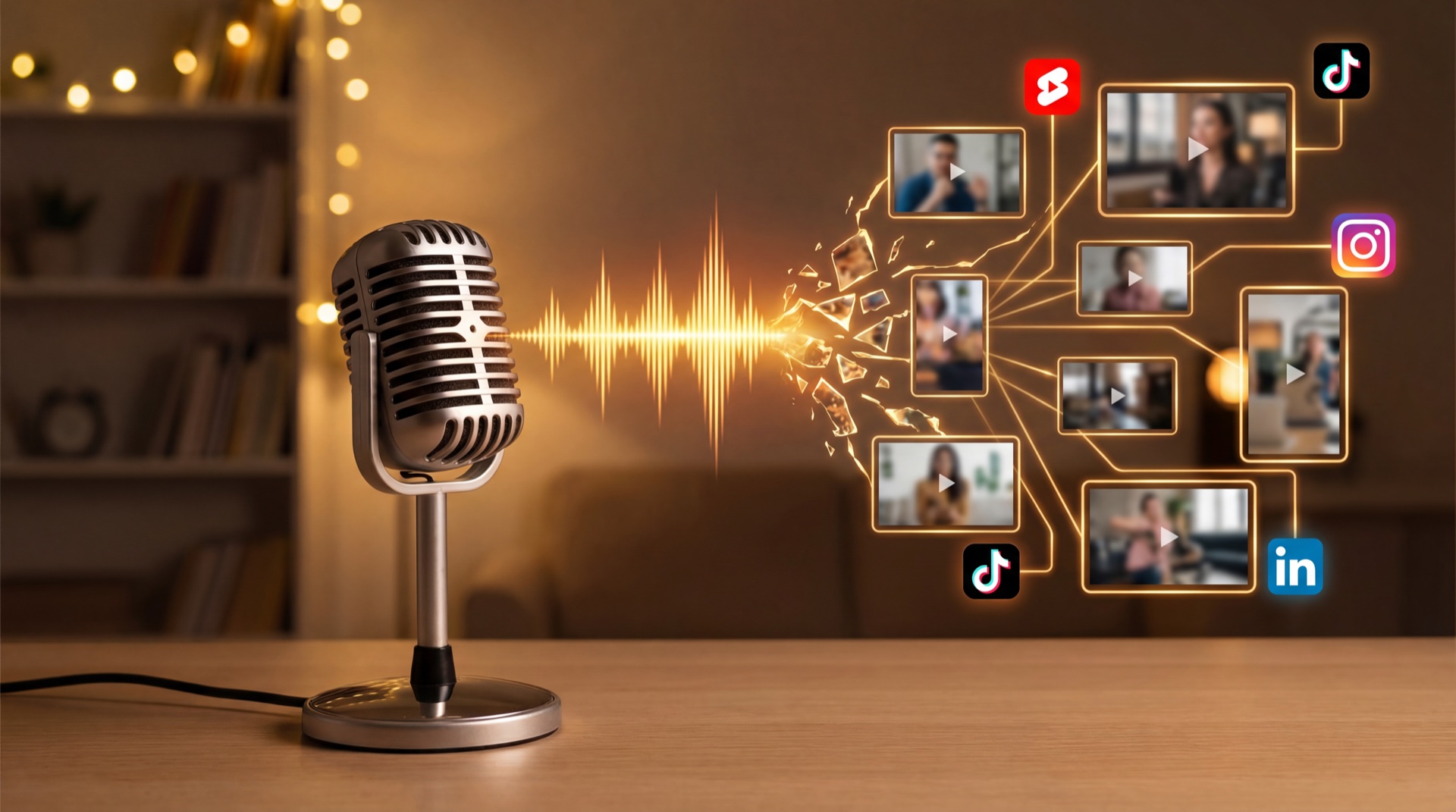
Record the stream and repurpose it. Even with 3 live viewers, the content can be clipped and posted to reach thousands later.
Monetization
Direct Platform Monetization
YouTube: SuperChat ($1-500 per message), Super Stickers, Channel Memberships
TikTok: Virtual Gifts (viewers buy coins, send gifts that convert to diamonds, you cash out)
Instagram: Badges ($0.99-4.99 per viewer per live session)
Twitch: Subscriptions ($4.99-24.99/month), Bits (virtual currency), Ads
Indirect Monetization
Product promotion. Use live streams to demo and sell your products. Course creators regularly use live workshops as sales events.
Affiliate marketing. Review or demonstrate affiliate products during streams. Pin the affiliate link in chat.
Lead generation. Use live streams to drive email signups, community memberships, or consultation bookings.
Sponsorships. Brands sponsor live streams, especially in gaming and tech niches. Rates are typically higher than pre-recorded sponsorships because the integration is more authentic.
Repurposing Live Content
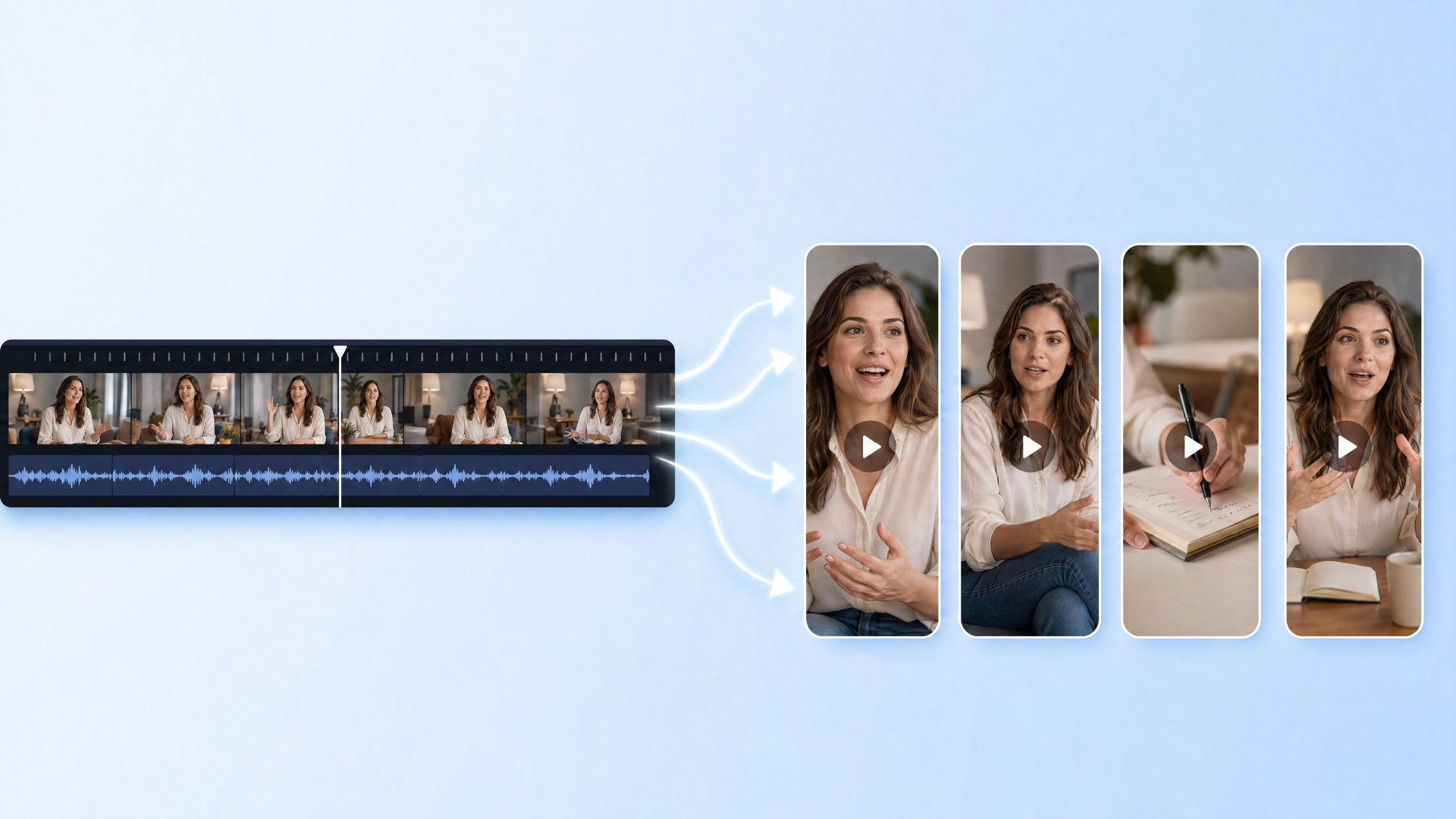
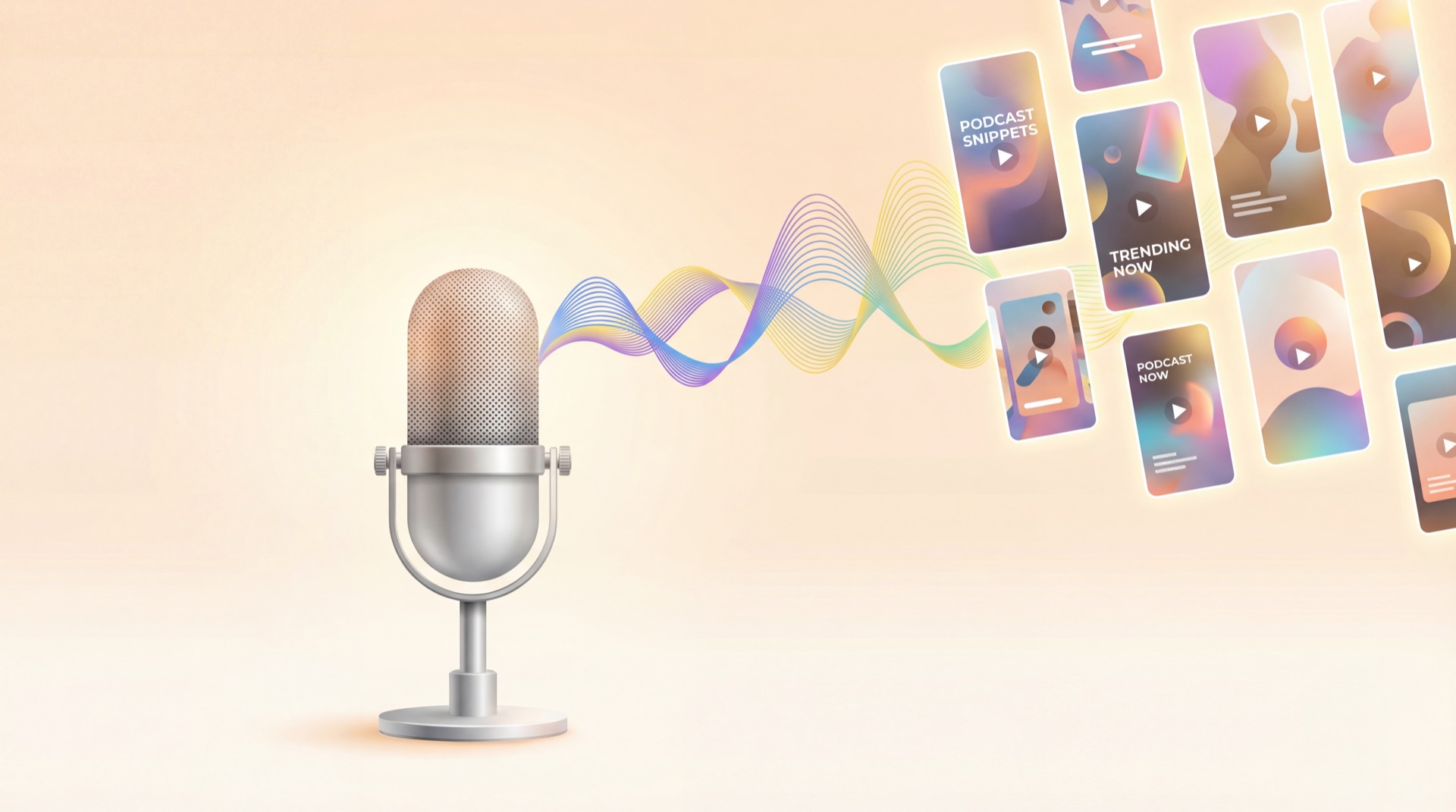
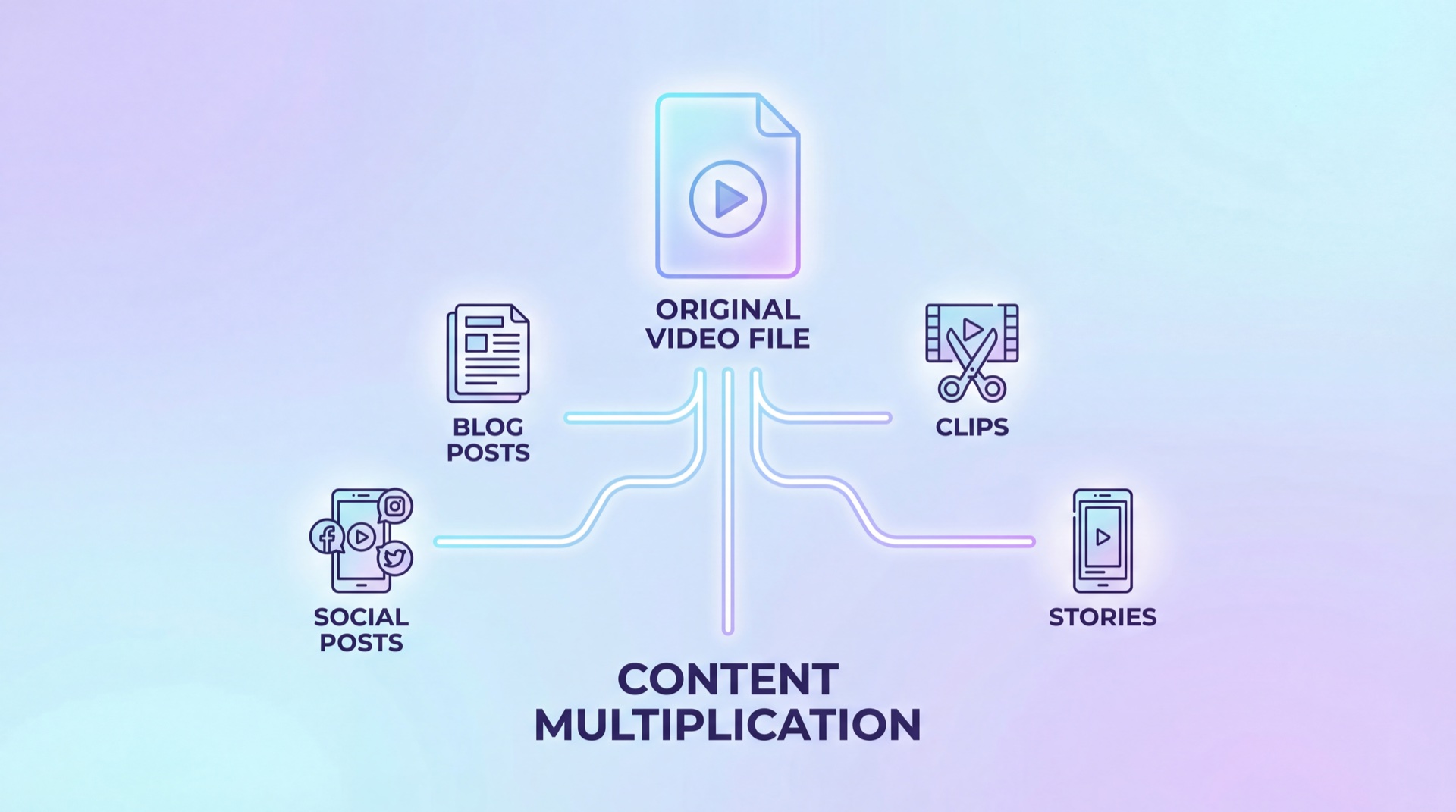
Live streams are content goldmines. A single 1-hour stream can produce:
- 5-10 short-form clips (best moments, funniest exchanges, key insights)
- A highlight reel (5-10 minute edited version of the best segments)
- An audio episode (strip audio for your podcast)
- Social media quotes and graphics
- Blog post or newsletter content (transcribe key discussions)
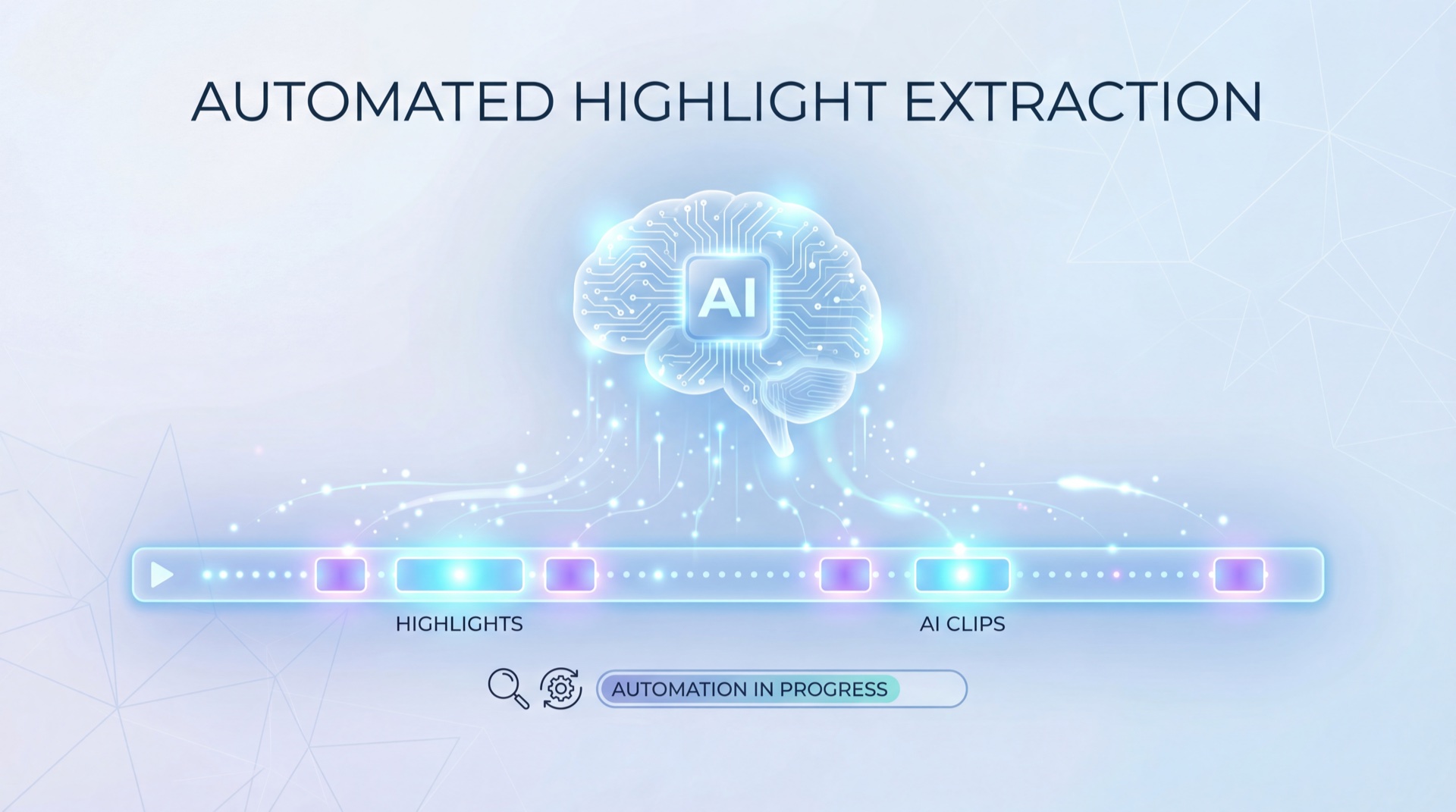
Use tools like Vugola to automatically identify the most engaging moments from your stream recording and render them as clips with captions. This turns a 1-hour stream into a week of social content.
Building a Live Streaming Habit
Start Small
Go live once per week for 30 minutes. Pick the same day and time. Tell your audience in advance. Show up consistently.
Gradually Extend
After a month of weekly streams, extend to 45-60 minutes. After two months, consider adding a second weekly stream or extending to 90 minutes.
Create a Pre-Stream Routine
- 30 minutes before: check equipment, test audio/video
- 15 minutes before: post a "going live" teaser on Stories/feed
- 5 minutes before: open the stream, play countdown or waiting music
- Go time: start with energy and a clear topic
Post-Stream Review
After each stream, note:
- Peak concurrent viewers
- Total unique viewers
- Average watch time
- Best moments (timestamps for clipping)
- What worked, what didn't
This review process improves your streams faster than just repeating without reflection.
Live streaming is the closest thing to a real-time conversation with your audience. It builds loyalty, drives engagement, and creates content that can be repurposed across every platform. The only barrier is starting. Go live this week. It doesn't have to be perfect. It just has to happen.