AI Clip Generator: How AI Finds the Best Moments in Your Videos

Vugola Team
Founder, Vugola AI · @VadimStrizheus
Last updated: 2026-09-30
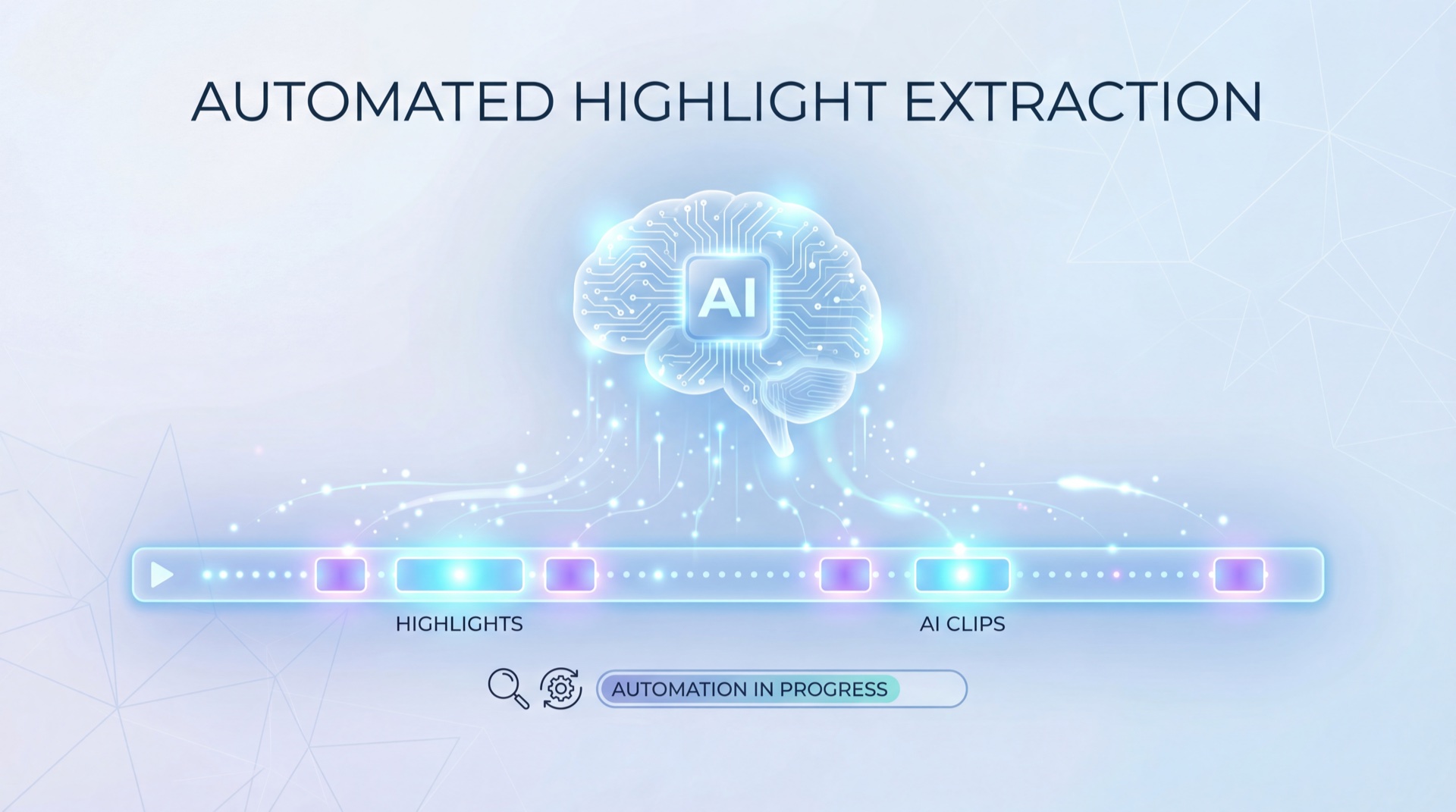
An AI clip generator watches a long video for you, finds the moments that stand on their own, and cuts them into short vertical clips with captions. It's great at hooks and clean statements, and weak at sarcasm and visual moments. My pick is Vugola, because it also edits, captions, and posts the clips, with plans from $19.99 a month.
Key takeaways
- Every AI clip generator follows the same steps: transcribe, split into candidate segments, score them, then render the winners.
- The AI is strong at hooks, clean statements, and consistency across hundreds of videos.
- It struggles with sarcasm, visual moments, and knowing what your audience actually cares about.
- Tools differ most in what happens after the clip: captions, framing control, editing, and posting. That's where Vugola pulls ahead, and why it's my pick.
A 60-minute podcast is 3,600 seconds of footage, and somewhere in there are a handful of moments worth posting. A human editor has to watch most of it to find them. An AI clip generator flips that. It reads the whole thing, scores every segment, and hands you a shortlist.
This guide explains how that actually works, where it goes wrong, and how the main tools compare.
How AI clip generators actually work
Every AI clip generator follows roughly the same four steps: transcription, segmentation, scoring, and rendering. The tools look alike on a feature page. The difference is in how well each step is done, especially where a clip starts and ends, and whether the moment makes sense to someone who never saw the full video.
Step 1: Transcription. The audio becomes a timestamped transcript, with every word mapped to its position in the video.
Step 2: Segmentation. The transcript is split into candidate segments at natural boundaries: topic changes, sentence endings, pauses, speaker turns. Good segmentation is why a clip starts on a clean sentence instead of mid-word.
Step 3: Scoring. Each segment gets judged on a few signals:
- Hook strength. Does the first sentence grab attention?
- Self-containment. Does it make sense without context? A clip that says "like I mentioned earlier" is a bad clip.
- Arc. Is there a build-up and a payoff, like a surprise, a joke, or a real insight?
- Length. Does it fit the short-form sweet spot of roughly 30 to 60 seconds?
Step 4: Rendering. The winners get cut from the original, reframed to vertical (9:16) so the speaker stays in frame, and captioned.
What the AI gets right
Finding hooks. AI is genuinely good at spotting strong opening lines. "Nobody talks about this" or "The biggest mistake I see..." get surfaced every time, because they follow patterns.
Cutting without attachment. A human editor hesitates to cut a segment because they remember the context around it. The AI judges each segment on its own, and that often surfaces moments the creator would have skipped.
Consistency. An editor gets tired after three hours of scrubbing. The AI treats the 400th video like the first. If you publish every week, that matters more than any single great pick.
What the AI gets wrong
Nuance and sarcasm. Say "this is the worst advice I've ever heard" sarcastically, then explain why it's great, and the AI might clip only the first half.
Visual moments. Most clip generators work mainly from the transcript. A reaction, a product demo, or a physical joke with no dialogue can get missed.
Your audience. The AI doesn't know that crypto regulation is your best-performing topic. It scores it like anything else. Your judgment about what your people want still decides what gets posted.
Comparing the top AI clip generators
Prices below were checked on each tool's own pricing page on September 30, 2026. Monthly means billed monthly.
| Tool | Price | Best For | Limitation |
|---|---|---|---|
| Vugola | Starter $19.99/mo, or $15.00/mo billed annually. No free plan | Podcasters and YouTubers who want clips, captions, editing, and posting in one place | Sources up to 3 hours; doesn't post to YouTube |
| OpusClip | Free plan (60 credits/mo, watermark). Starter $15/mo, monthly only | Prompt-based clipping and a scheduler on Pro | Starter has no scheduler and is 9:16 only |
| Descript | Free plan (60 media min/mo, watermark). Hobbyist $24/mo, or $16/mo billed annually | Text-based editing | Clipping is one feature, not the product |
| Riverside | Free plan (2 recording hours, one-off, watermark). Pro $29/mo, or $24/mo billed annually | Recording remote interviews, then clipping them with Magic Clips | A recorder first, not built for footage recorded elsewhere |
| Pictory | No free plan. Starter $29/mo, or $25/mo billed annually | Turning scripts and blogs into video | Not built to clip long talking videos |
Vugola: from long video to posted clip
Vugola takes a long video and gives you captioned vertical clips, then lets you edit, reframe, and post them without leaving the tool. It reads the full transcript, keeps the strongest self-contained moments, and writes a short scene analysis for each one so you can see why it was picked. There's no fixed number of clips. A longer, busier video usually gives you more.
How it works:
1. Paste a YouTube, Twitch, Kick, or Vimeo link, or upload an MP4, MOV, AVI, or MKV file (5 minutes to 3 hours, up to 5GB).
2. See the credit cost before the job runs. Clipping costs 1 AI credit per started minute of source video, so a 60-minute podcast costs 60 credits no matter how many clips come out.
3. Review the clips. Vugola reframes to vertical and tracks whoever is speaking. If the framing needs a human touch, Reframe Studio gives you Vertical, Split, and Gaming layouts.
4. Trim, split, or change captions in the clip editor, then hit Post to schedule to TikTok, Instagram, Facebook, X, or LinkedIn, or download the file.
TikTok, Instagram, X, and Facebook links can't be used as sources, so download those videos and upload the file instead.
Pricing: Starter is $19.99 a month with 50 AI credits, Creator is $49.99 with 300, and Pro is $99.99 with 800. No watermark on any plan. Starter clips export at 720p, and Creator and Pro clips at 1080p. Vugola offers AI clipping, captions, and posting to five platforms from $19.99 a month, which makes it a good fit for podcasters who publish every week and want one tool from episode to posted clip. See the full plan breakdown.
When to use an AI clip generator vs. manual editing
Use an AI clip generator when you publish long videos every week and need steady short-form output from them. Use manual editing when the video is highly visual or the piece is a one-off that deserves full creative control. Most serious creators end up doing both: AI clips for volume, hands-on editing for the flagship pieces.
AI clipping fits when:
- You publish long-form every week and want consistent short-form from it
- Your content is talking-head, interview, or podcast
- You don't have an editor and repurpose content yourself
- You want to test which moments land before you polish anything
Manual editing fits when:
- The content is heavily visual (cooking, fitness, product demos)
- You need precise control over transitions and effects
- You're making one hero piece, not a batch of clips
- The piece needs custom graphics, B-roll, or sound design
There's a middle ground now. In Vugola's Studio editor you upload a video, describe the edit you want, and AI edit cuts dead air, filler words, and retakes, with every cut landing between words. You fine-tune on a real timeline, add your own B-roll or images as layers, and export at 1080p. Exports don't use credits.
Tips for getting better results from any AI clip generator
1. Speak in self-contained segments. "Here's the problem, here's the insight, here's the takeaway" clips well. Rambling monologues full of callbacks don't.
2. Front-load your hooks. "Nobody told me this when I started" opens a clip. "So, um, one thing I noticed over time is that..." doesn't.
3. Judge the first three clips. If they're good, the tool gets your content. If they're mediocre, try another tool, because clipping quality varies a lot by content type.
4. Don't accept every clip. The AI hands you candidates, not finished posts. Cut the ones that don't stand alone. Three strong clips a week beat ten mediocre ones.
5. Caption everything. Plenty of people scroll with the sound off. My guide to auto captions for videos covers styles that read well on a phone.
If you want to go from clips to a posting calendar, I wrote about how an AI video scheduler fits into the same workflow. And when you're ready to try an AI clip generator on your own episode, create your Vugola account and run one.