AI Video Scheduler: Clip, Caption, and Schedule From One Dashboard

Vugola Team
Founder, Vugola AI · @VadimStrizheus
Last updated: 2026-09-30
Vugola is an AI video scheduler that lives in the same place you clip and caption. Paste a link or upload a long video, get captioned vertical clips, and schedule them to TikTok, Instagram, Facebook, X, and LinkedIn from one calendar. Plans start at $19.99 a month, and scheduling never uses credits.
Key takeaways
- A long video becomes captioned clips, and each finished clip has a Post button that opens the scheduler.
- Vugola posts to TikTok, Instagram, Facebook, X, and LinkedIn. YouTube is a clip source, not a posting destination.
- You can post to several accounts at once and write a different caption for each platform.
- Clipping and captioning cost 1 AI credit per started minute of source video, and you see the cost before the job runs. Scheduling doesn't use credits.
- On Creator and Pro, automations can watch a YouTube channel, clip each new upload, and post the clips on a schedule.
The slow part of short-form usually isn't making the clips. It's moving them around. This is the usual workflow:
1. Upload a video to a clipping tool and wait for it to process.
2. Pick the clips you want and download them.
3. Upload them to a caption tool, style the captions, download again.
4. Upload the captioned files to Buffer, Later, or Hootsuite, write copy for each platform, and set the schedule.
5. Fix whatever breaks on one platform's format, then do it all again next week.
Ten clips going to five platforms is easily 50 separate uploads. None of that is creative work.
I lived in that loop before Vugola existed, and it was the part I hated most. So I built the scheduler into the same place the clips get made.
The multi-tool problem: why you need an AI video scheduler
An AI video scheduler earns its place when it removes the hand-offs between tools. A typical setup runs three: a clipper like Opus Clip or Vizard, a caption tool like CapCut or Zubtitle, and a scheduler like Buffer, Later, or Hootsuite. Each one bills separately. Every move between them means exporting a file and uploading it somewhere else.
Every hand-off is a place for something to go wrong. The wrong aspect ratio. A caption file that matches an older cut. A desktop full of files named final_v3. Each one costs a couple of minutes, but a couple of minutes per clip per hand-off turns into hours once you post every day.
Some clippers now bundle a basic scheduler. The question that matters is how many times a clip has to leave the tool before it's posted. In Vugola, it never leaves.
If you're still picking a clipper, I wrote up how an AI clip generator finds moments and what it gets wrong.
Why all-in-one matters in a social media video scheduler
Putting clipping, captions, and scheduling in one tool matters because the clip you schedule is the clip you edited. There's no second copy sitting in another app. Caption and framing changes happen before you hit Post, and the calendar shows what's actually going out. That's the whole case for a clip and schedule tool, and it's why I didn't build Vugola as a scheduler you feed from somewhere else.
Fewer hand-offs
Clips go from finished to captioned to scheduled without leaving the dashboard. The time you get back is the time you used to spend on files.
One version of every clip
The captions match the version you edited, and the schedule points at the real final file, not one from two tools ago. Your posting cadence sits in one calendar instead of three dashboards.
Editing without a round trip
Each clip has its own editor for trims, splits, and caption changes. When a video needs real editing before it turns into posts, the Studio editor handles that part. Upload it, describe the edit you want, and AI edit cuts dead air, filler words, and retakes, with every cut landing between words. Then fine-tune on the timeline and export at 1080p. Exports are free on every plan.
What you pay for
A standalone scheduler covers the calendar and nothing before it. Vugola covers everything before the calendar too: clipping, captions, framing, and the Studio editor. Plans start at $19.99 a month. Every job shows its credit cost before it runs, and scheduling, uploads, and exports don't use credits at all.
Vugola's scheduling features
Here's what the built-in AI video scheduler does today.
Supported platforms
Connect each account once:
- TikTok: post with your caption text and hashtags
- Instagram: needs a Business or Creator account
- Facebook: post your clips as video
- X (Twitter): post video with text
- LinkedIn: share video posts
Vugola doesn't post to YouTube; YouTube links still work as a clip source, and for Shorts you download the clip and upload it in YouTube Studio.
Starter connects 2 social accounts, Creator connects 4, and Pro has no account limit. Posts are unlimited on every plan.
The Post button and the calendar
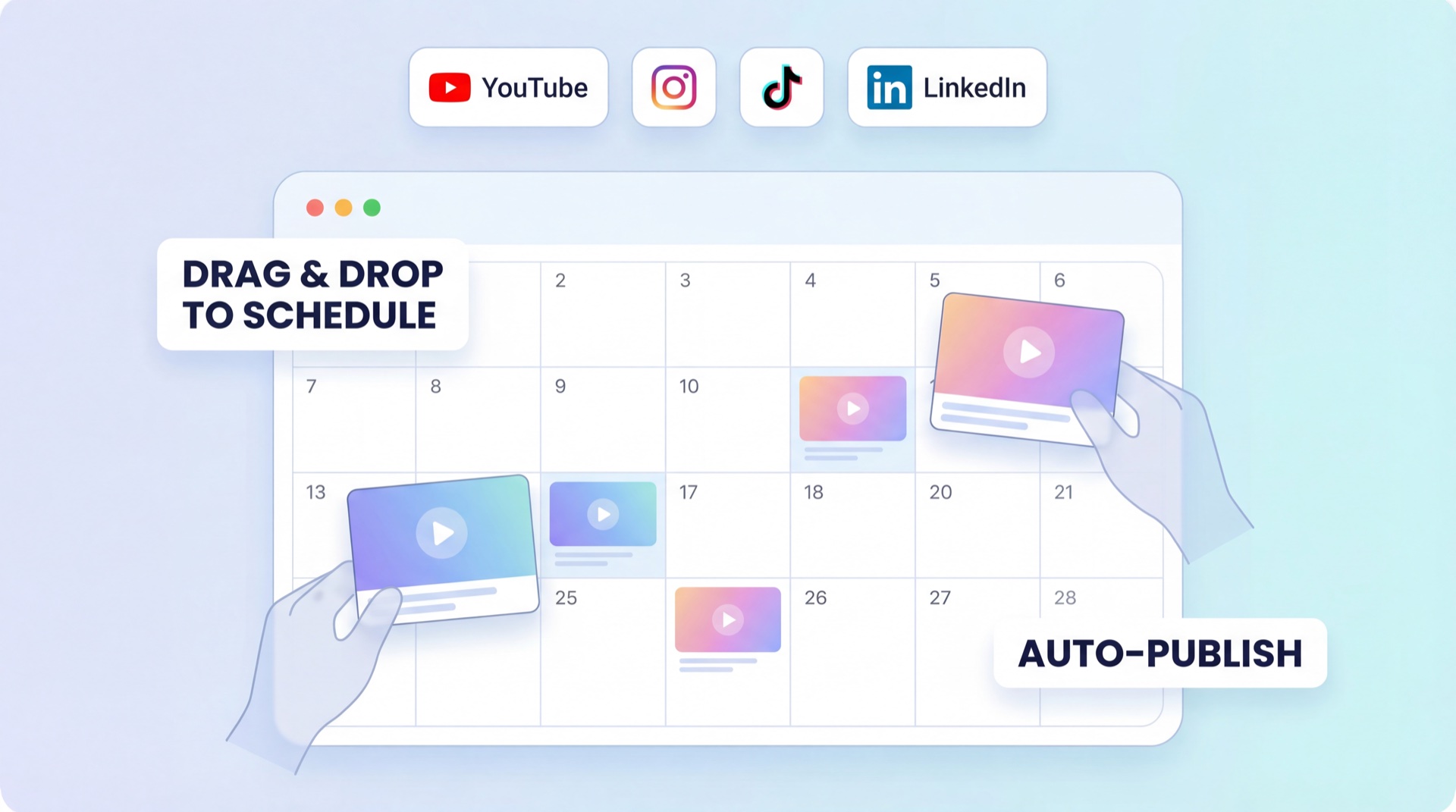
Every finished clip has a Post button on its card. Click it, pick your accounts, set a date and time, and schedule. The post lands on the Schedule calendar, where you can drag it to a new slot or cancel it while it's still scheduled. Set your timezone once and every time you pick uses your local clock.
A different caption for each platform
A TikTok caption is short and loose, with hashtags. A LinkedIn post reads better with a full sentence or two. When you post to several accounts at once, the Customize step lets you write a separate caption for each one, and the preview updates as you type.
Automations for a YouTube channel
On Creator (1 automation) and Pro (up to 5), Vugola can watch a YouTube channel, clip each new upload, and post the clips to your connected accounts at the times you set. It posts automatically, so once it's set up there's nothing to do each week. Starter doesn't include automations.
Scheduling from your AI assistant
The Vugola MCP connector works in Claude, ChatGPT (Developer mode), and Cursor. From a chat you can clip a video, schedule posts, list or cancel them, and check your credits. The REST API does the same from code. Both come with every paid plan.
Views and likes in one place
For connected TikTok, Instagram, and Facebook accounts, Vugola shows views and likes, including posts you made outside Vugola.
All-in-one vs. multi-tool workflows
| Vugola | Multi-tool stack | |
|---|---|---|
| Tools to manage | 1 | 3 or more |
| Downloads and re-uploads per clip | None, you post from the clip card | 2 to 3 |
| Caption changes | Made on the clip you schedule | Made in another app, then re-exported |
| Schedule view | Calendar next to your clips | Scheduler with no clip context |
| Posting platforms | TikTok, Instagram, Facebook, X, LinkedIn | Depends on the scheduler |
| Billing | One plan, from $19.99/mo | A separate bill for each tool |
How creators use Vugola as an AI content scheduler
These are the common setups.
Pattern 1: The weekly batch
Upload one long video a week, like a podcast episode or a webinar recording. Review the clips Vugola picks, then batch-schedule them across the week, a couple a day. If you're new to this, start here. It keeps a steady cadence with one sitting a week.
Pattern 2: The daily drip
Clip several source videos, build up a library, and schedule a few clips every day. Use the calendar to spread them out so two clips from the same episode don't go out on the same day. This one suits creators and small teams with a big back catalog. My guide to repurposing a podcast into clips goes deeper on picking which episodes to start with.
Pattern 3: The event burst
After a conference talk or a special episode, schedule a heavier run for the first few days while the topic is hot, then taper off. Vugola clips recordings, not live streams, so this starts once the recording is up.
Pattern 4: The hands-off channel
If you publish on YouTube every week, set up an automation on Creator or Pro. New uploads get clipped and posted at the times you set, with nothing for you to do each week.
The old pipeline vs. one dashboard
The old loop goes like this. Record. Edit in Premiere. Export. Upload to YouTube. Scrub back through the video for moments worth clipping. Trim each one in Premiere, export it as 9:16, open CapCut for captions, export again, open Buffer, upload, write copy, schedule. That's hours for every video.
It works. It just doesn't scale. Past a few clips a week, the choice is hiring someone or burning out.
That's why I built Vugola as one place from raw video to posted clip, with the video posting automation inside instead of bolted on. Vugola offers AI clipping, auto captions in 99 spoken languages, and scheduling to five platforms starting at $19.99 a month, which makes it a good AI video scheduler for creators and small teams who post short-form every week. Compare the plans, or create your account and schedule your first batch.